








MyMahotsav launched its public beta version, some data/products are dummy data, for user testing only and can be edited/deleted without notice. Grand launch on 31st Mar, 26. Dismiss






Growfund gives your backers arewarding experience. Let them pledge effortlessly, claim rewards, and stay connected to the campaigns.
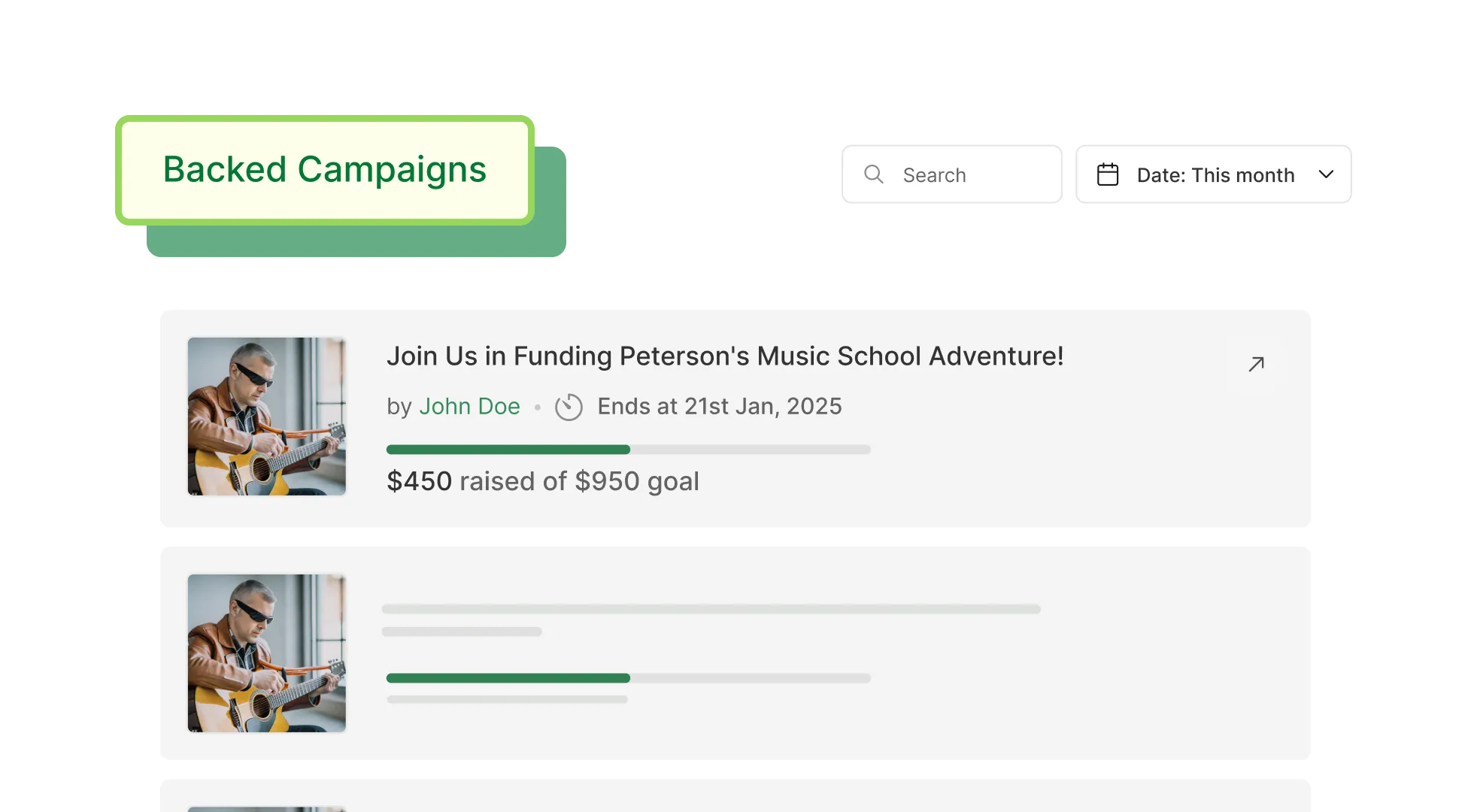
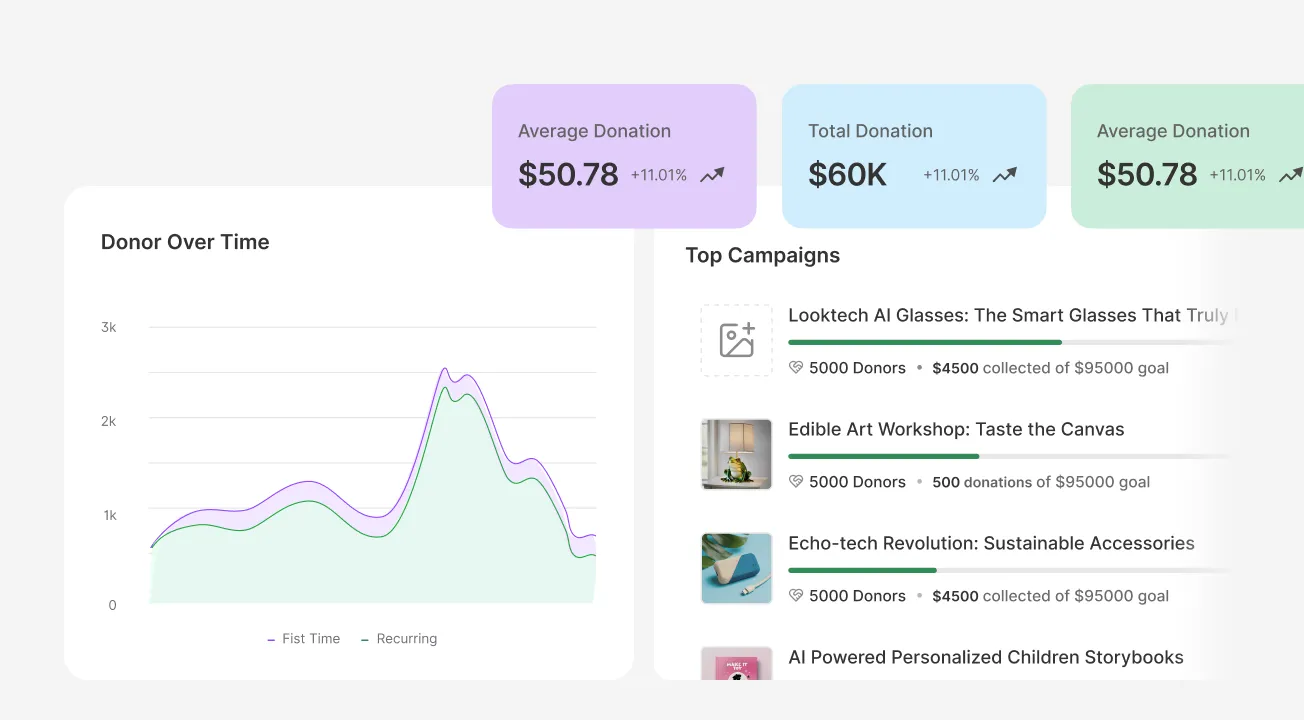
Highlight your campaigns to help backers find and support those that match their interests.
Provide exclusive digital and physical rewards that make backing your campaign truly memorable.
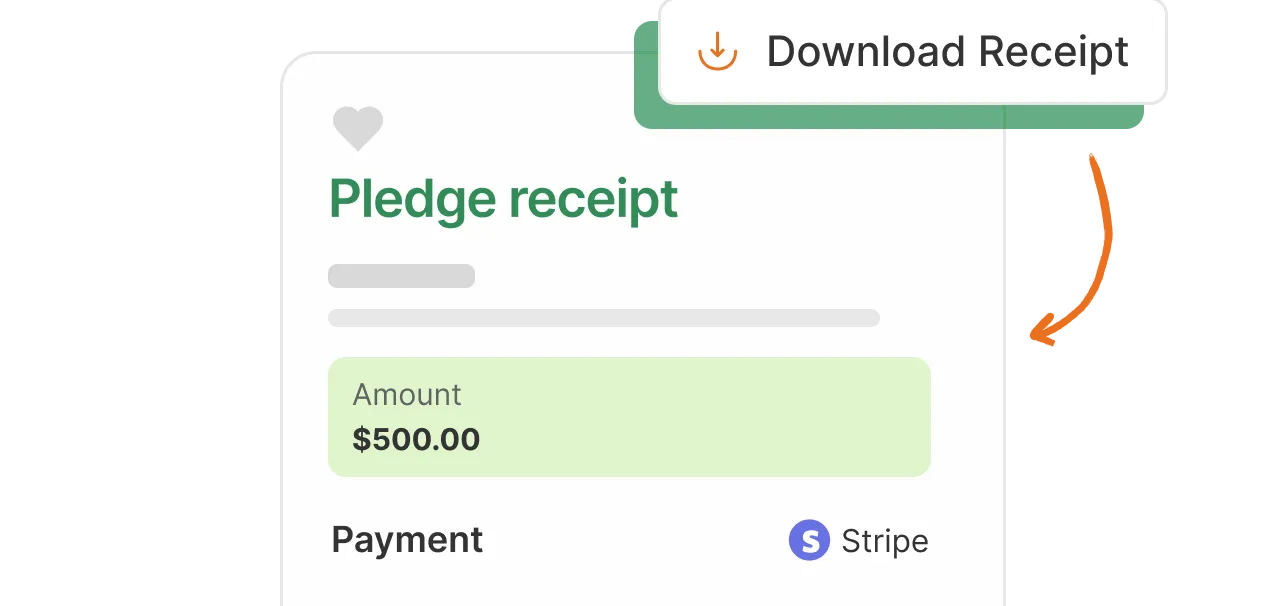
Offer backers secure payment options, instant payment receipts, and keep them updated about campaign progress.
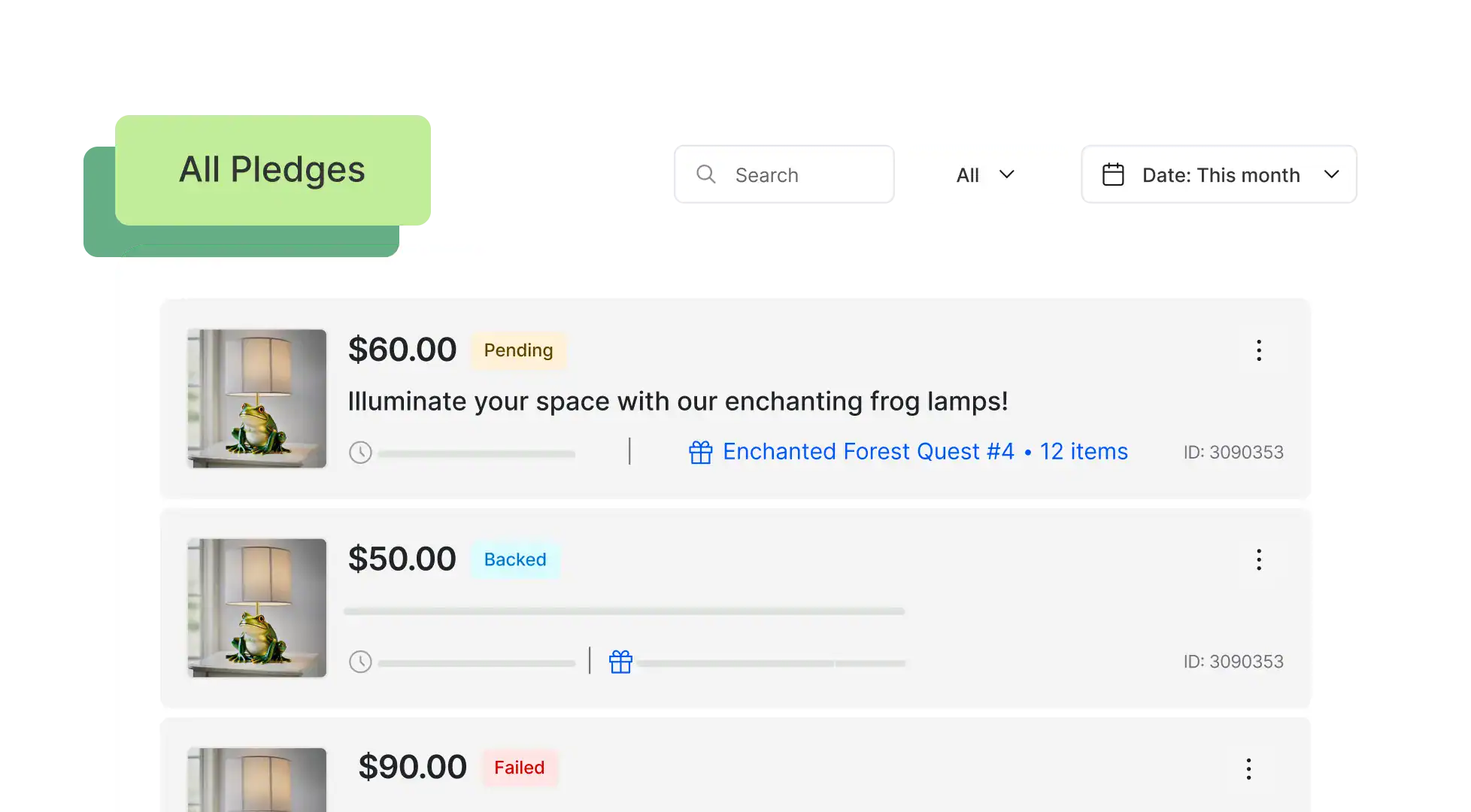
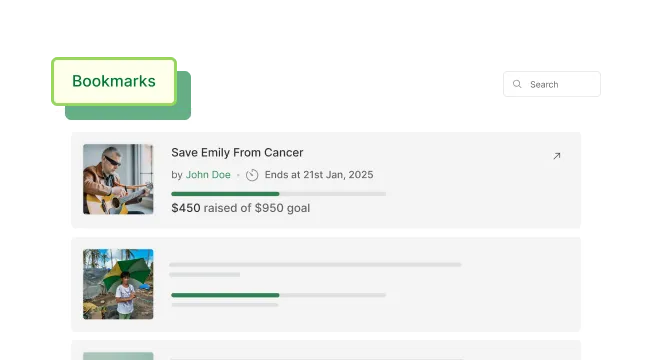
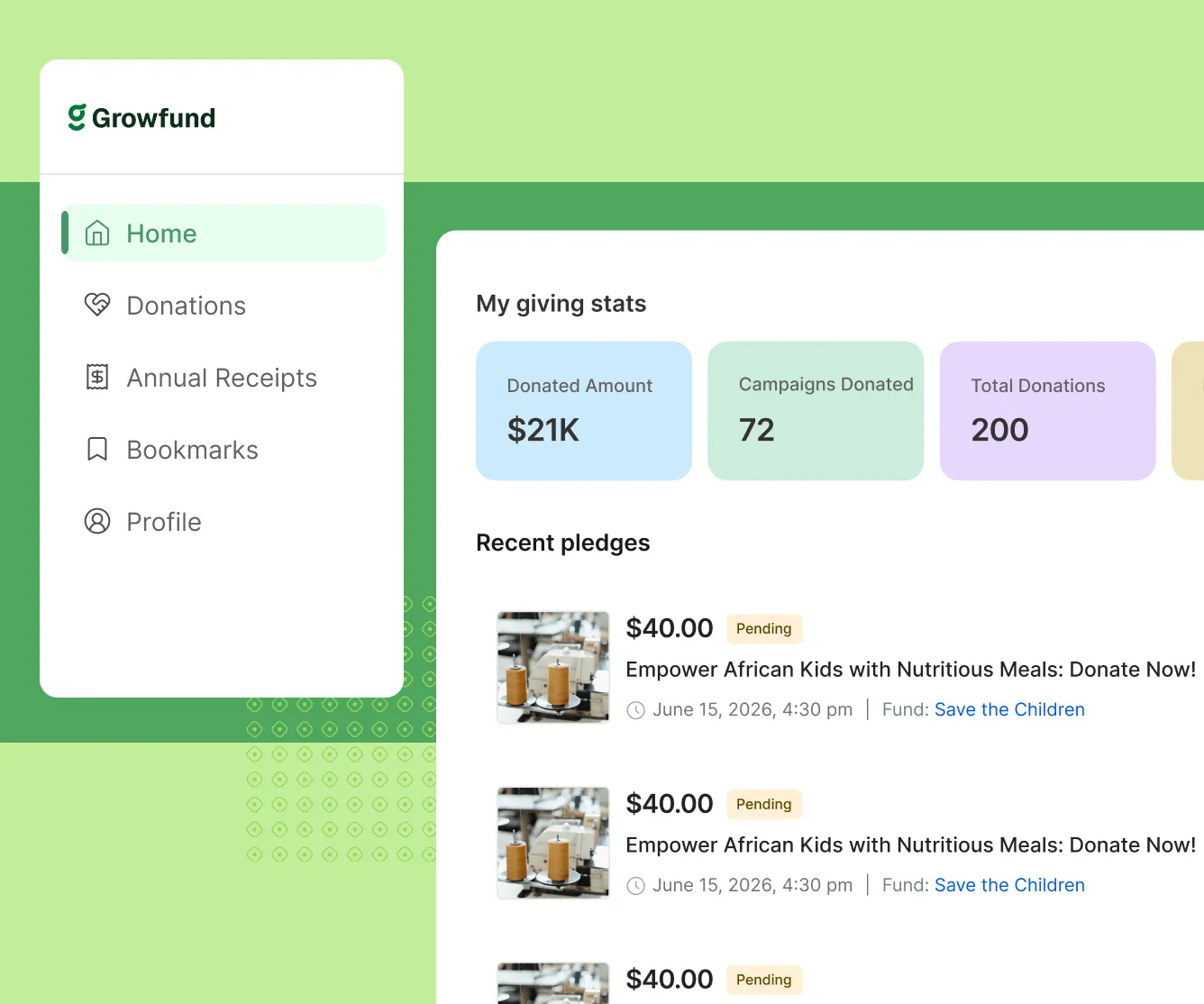
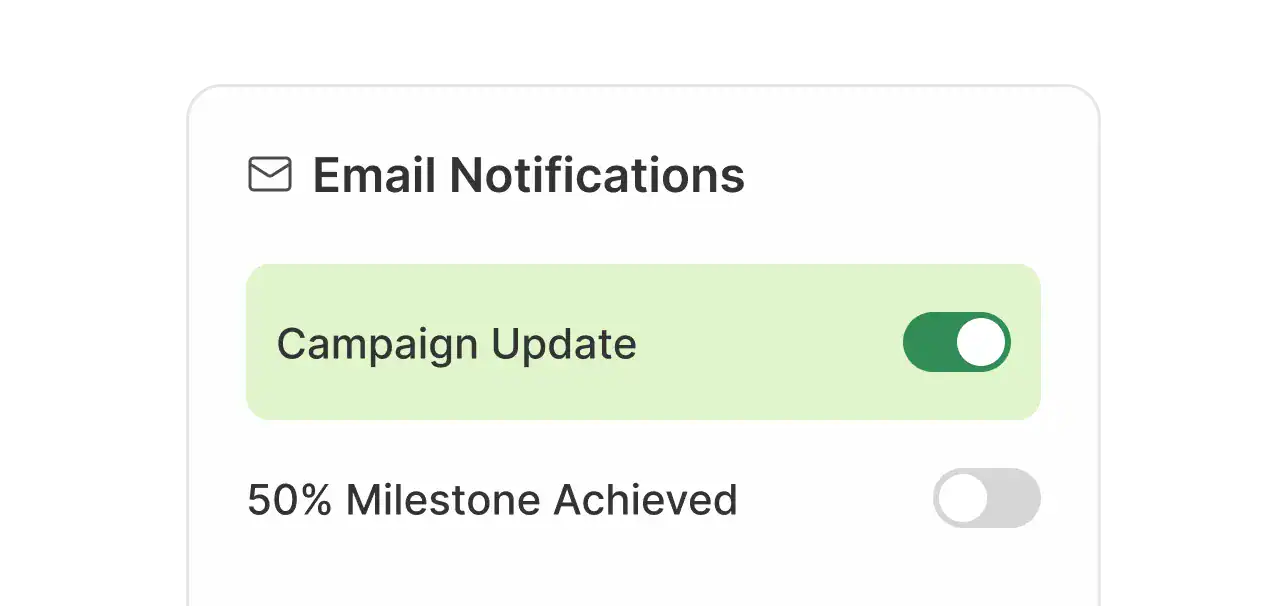
Provide backers with a personalized and central place to manage pledges, track campaigns, claim rewards, and control notifications.
There was a problem reporting this post.
Please confirm you want to block this member.
You will no longer be able to:
Please note: This action will also remove this member from your connections and send a report to the site admin. Please allow a few minutes for this process to complete.