




Gantt Chart
Make work more fun with web-based Gantt Chart!
Keep track of progress with Gantt Chart for WordPress
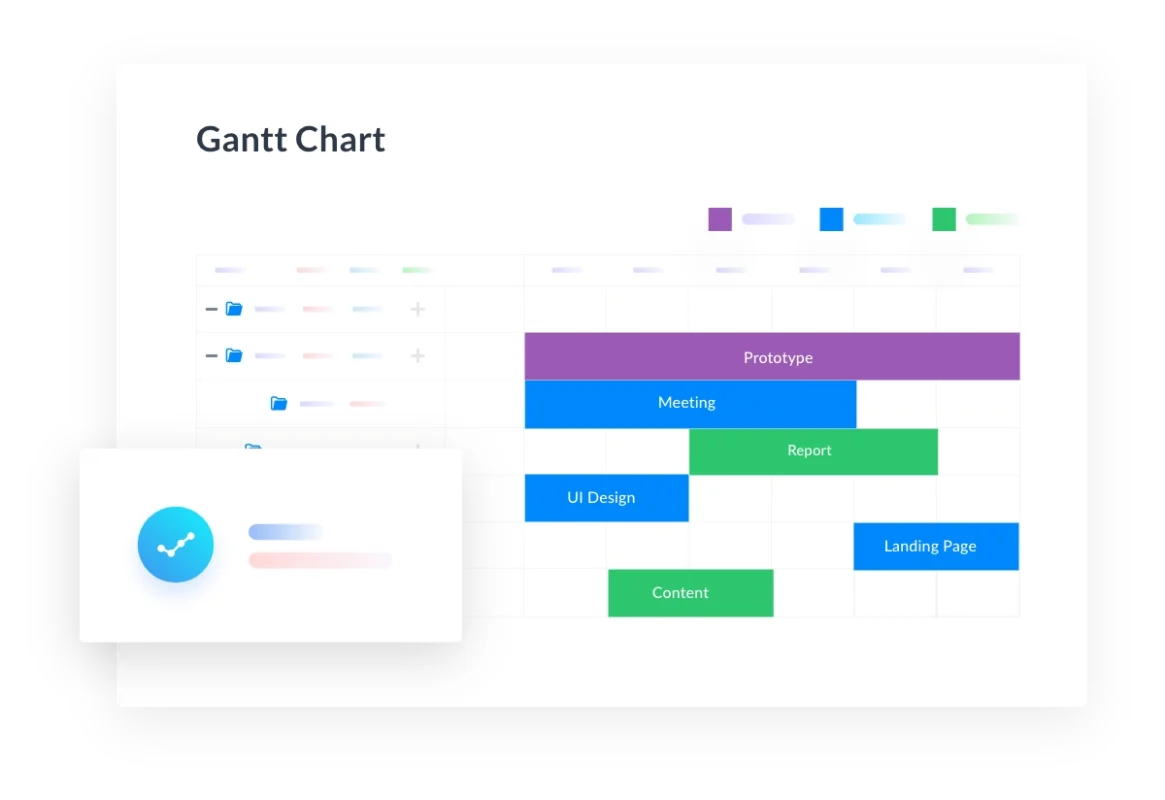
WP Project Manager Gantt Chart is a feature having bar charts that illustrate a project schedule. It gives you a bird’s eye view of all the tasks of your project, what’s their schedule and progress.
Visual Overview
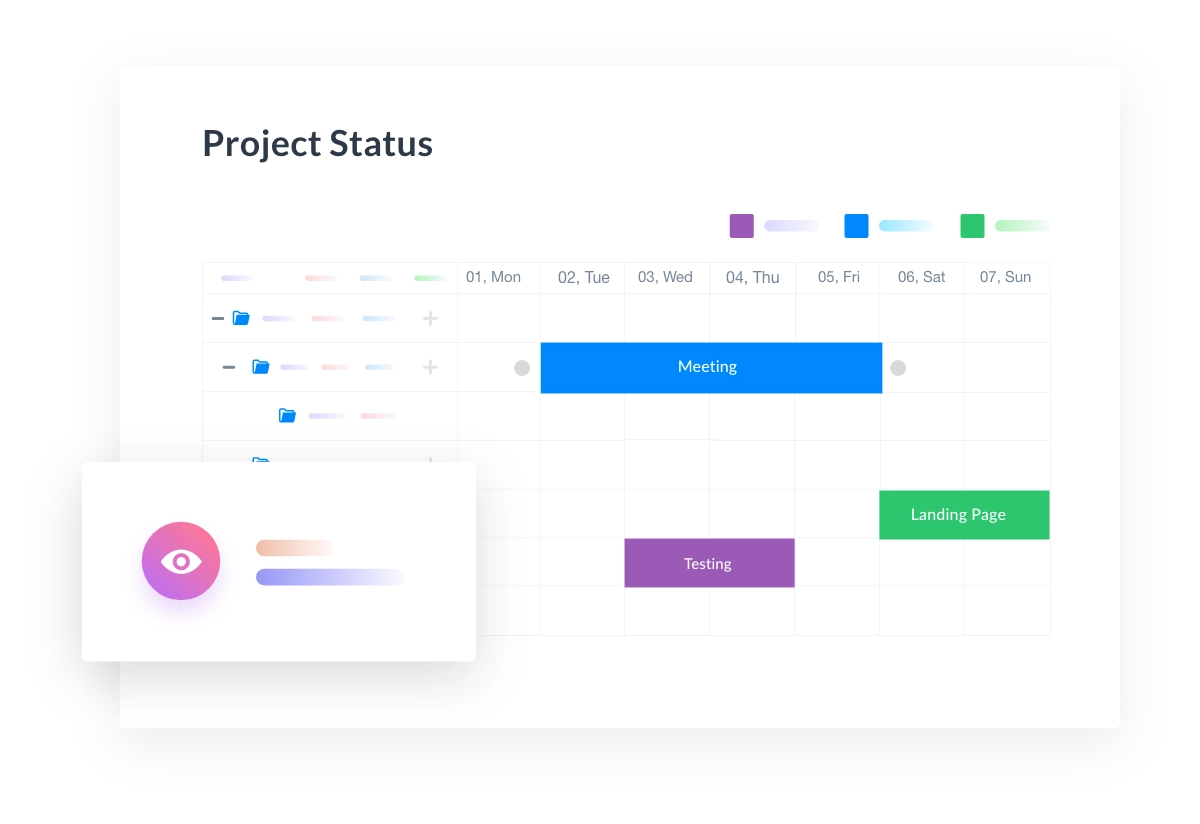
This Web and Open Source Gantt Chart will show you a visual overview of all of your current tasks, when they started, when they are due, and how much of that task has been completed. You can quickly take a look at your Gantt Chart and have an overview of your
Interactive builder
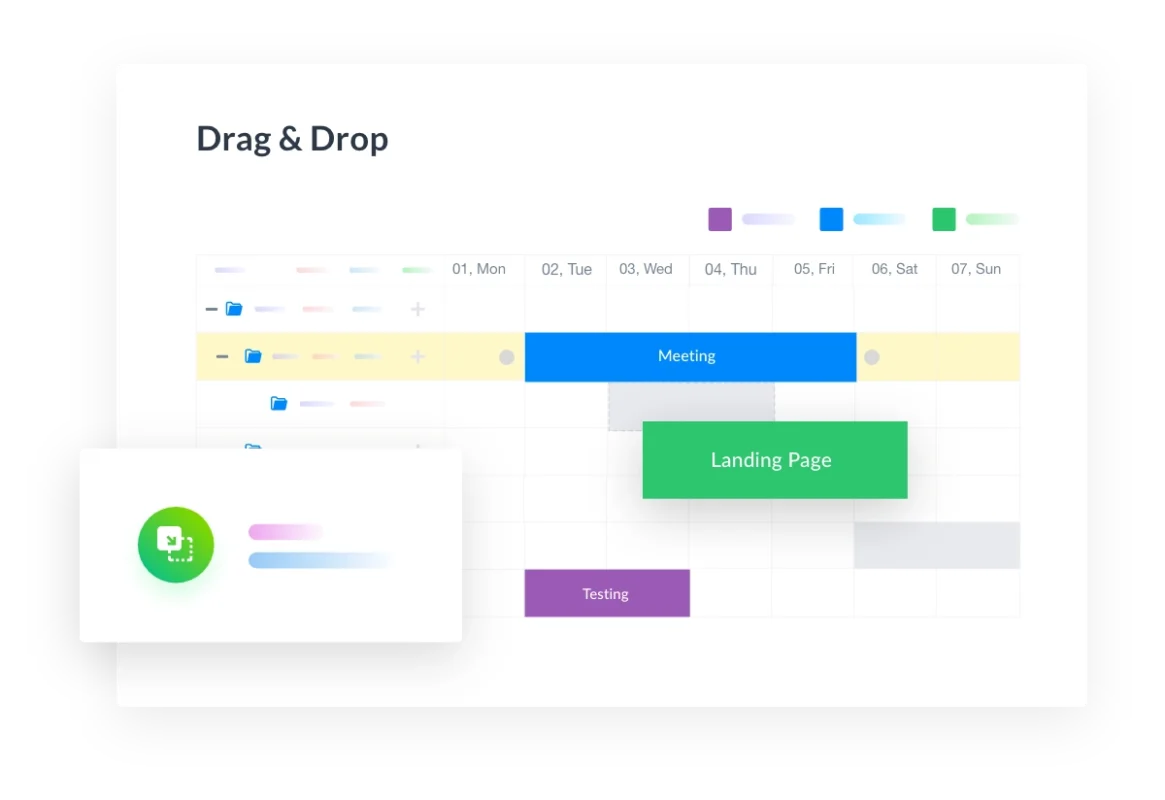
Gantt Chart doesn’t just show you task schedules and progress, it’s actually interactive! That means you can move any task from one day to another, lengthen a project’s schedule, drag & drop tasks, and even show how much of the task is completed.
Flexibility for team workers
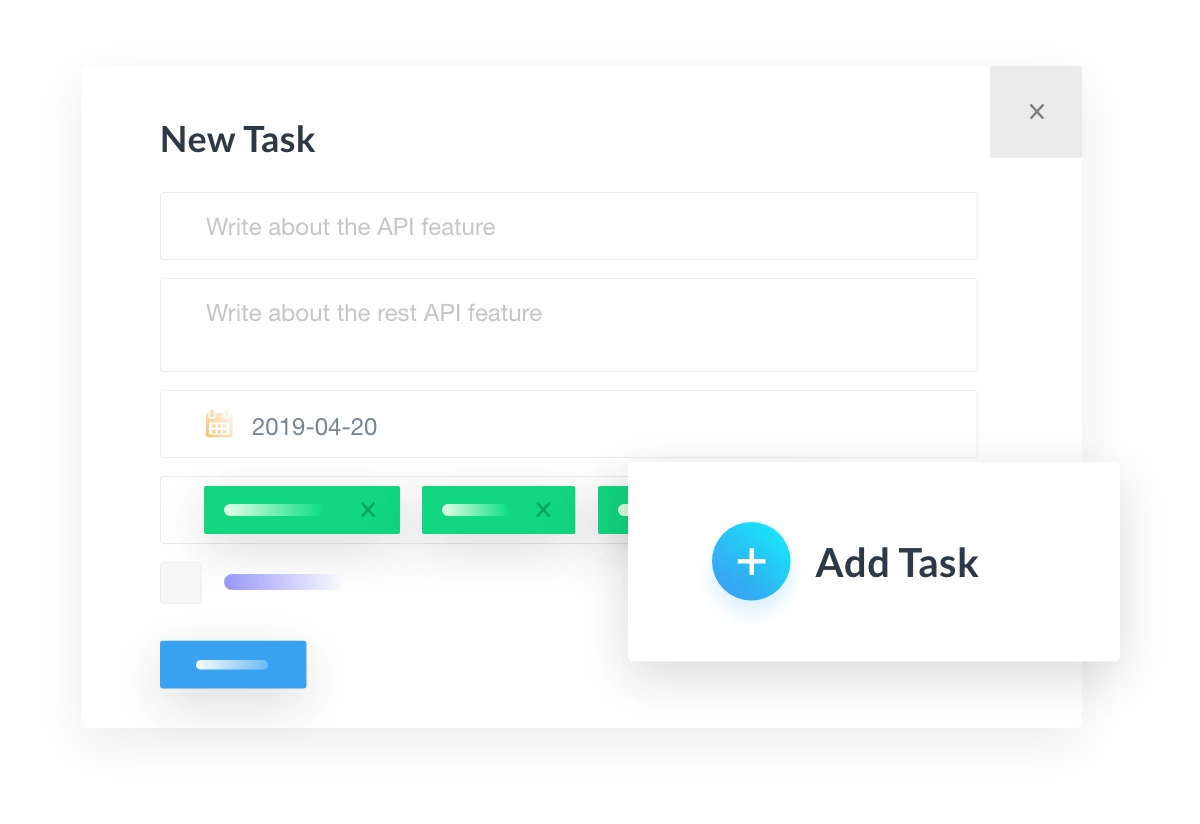
Co-workers can update the Gantt Chart (their assigned tasks) which will reflect on everywhere across Project Manager. Staffs can add new tasks and task lists with users and deadlines right from this Gantt Chart web application.
Create Tasks from other projects
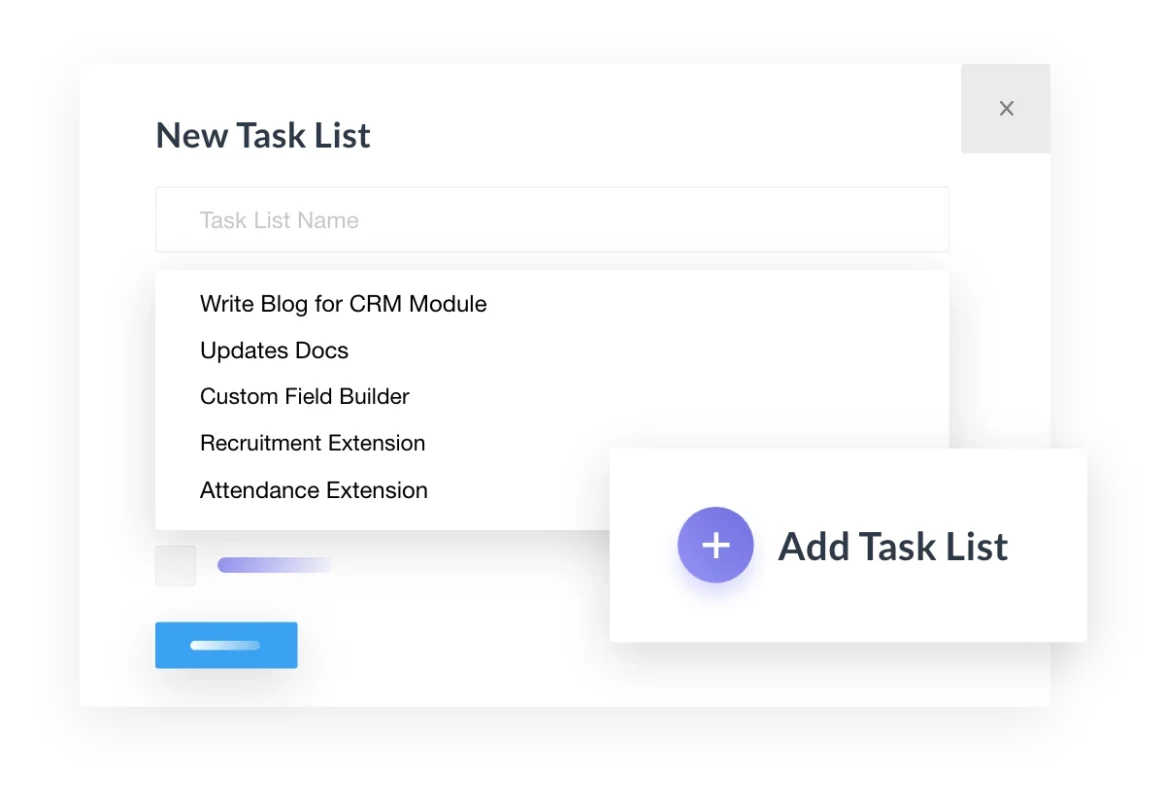
You can also create new tasks and task lists from other projects. This is simple and effective when you feel you need to relate with other projects/departments to get certain things done.
Grouping and Linking
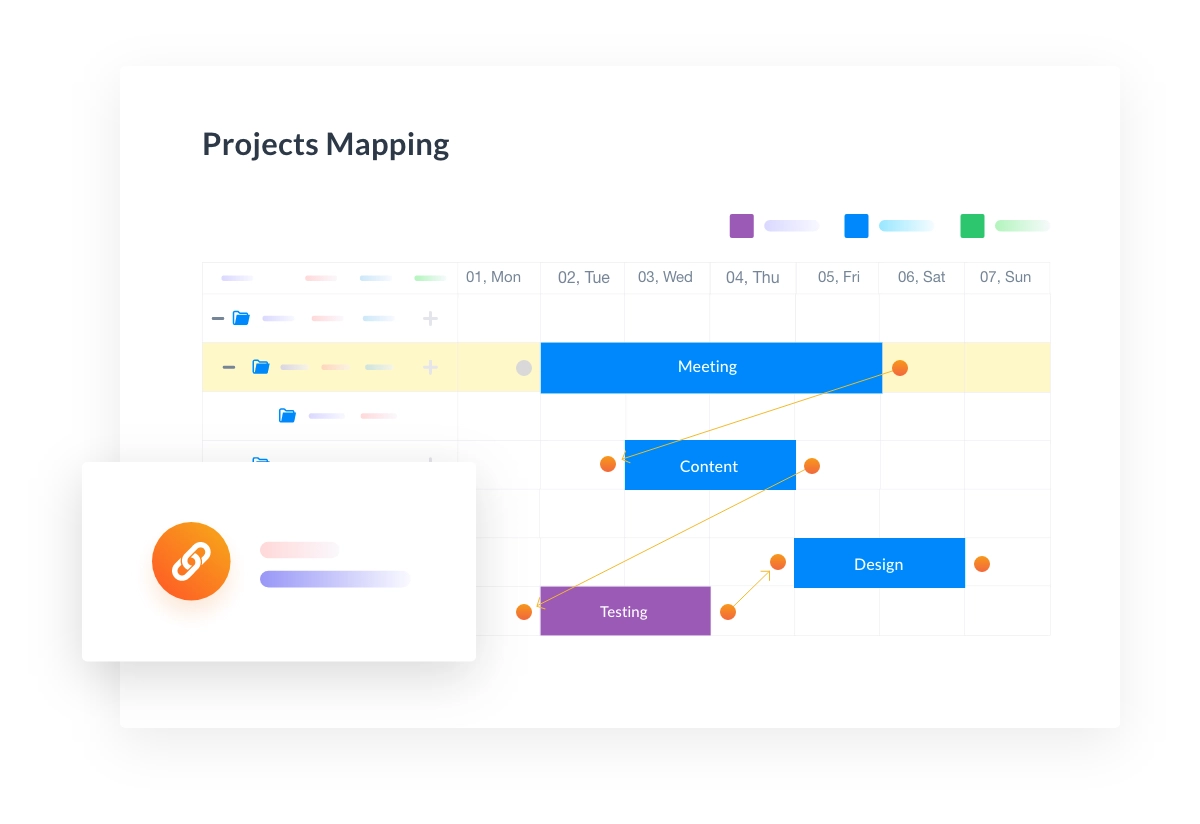
You can also group lists and tasks in an organized way. For further categorization, you can link one task with another even if it’s from a different task list. This helps to know which task will follow after the previous one.
How It Works
Premium Features & Modules in WP Project Manager Pro
Modules

Project Dashboard
- Unlimited projects, tasks and users
- Favourite a project
- Change status of project
- View projects in grid and list view
- Global search for all projects
- Internal search for individual projects
- Decide user roles for each project
- In-depth permission & privacy settings
- Description for projects & task lists

Project Dashboard
- Create discussion threads
- Stylize & add attachments to messages
- Option to create private discussions

Project Dashboard
- Create milestones
- Assign messages & task list on milestone

Project Dashboard
- Set the start date & deadlines of the task
- Comments & description on tasks
- See progress bar for every task list
- Mark task as complete/incomplete
- Notifications for new tasks & updates
- Single task activity & activity within project
- Free Slack Integration
- Archive List & Duplicate Task List

Project Dashboard
- Calendar for daily, weekly, monthly progress
- Drag and drop tasks to change due dates

Project Dashboard
- Upload, open & play unlimited audios, videos, and files in File Manager
- Automatically store files from comments & discussions
- Navigate to linked messages, task lists
- Create folders & link documents
- Can make files private

Project Dashboard
- Daily digest automatic mails
- Progress page for all activity in site
- Automatic reports with advanced filters
Features

Sub Task
Break broad tasks into smaller ones to manage better. Have better control & organization of workflow!

Invoice
Bill for both hourly jobs, track the status of payments, download in PDF & much more!

Gantt Chart
Add tasks, watch progress using colourful bars, increase/reduce time & more!

Time Tracker
Accurately track times spent in tasks of team members. Start, pause and stop tasks as required.

Recurring Task
Automate routine tasks with this super handy module using set patterns & parameters.

WooCommerce Orders
Create a new project or duplicate a template upon a Woo product purchase.

Stripe
Automate transactions so your clients pay instantly using low cost Stripe gateway!

Kanban Board
View tasks and task lists of a project & organize them in different boards according to their status.

BuddyPress Integration
Seamlessly manage projects department-wise from the frontend & control for privacy as you like.
Get your online Project Management tool now!
Project Collaboration for Social Impact